
Aluminium A-Frames
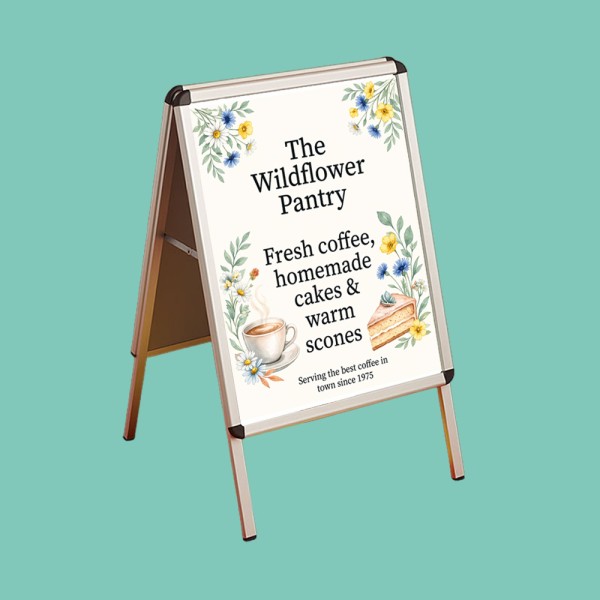
Aluminium A-Frames: durable, professional pavement signs for high-impact displays.
Lightweight aluminium with a snap-frame design for quick, easy graphic changes.
Ideal for shops, cafés, and promotions that require frequent message updates.
2 x A1 single-sided prints included with each frame.
FREE Delivery
Check our Artwork Guidelines & Templates before uploading. Proofs or amendments will delay delivery.
Prefer us to handle it for you instead? Send the details over, and we'll put together a bespoke quote.
Material & Construction
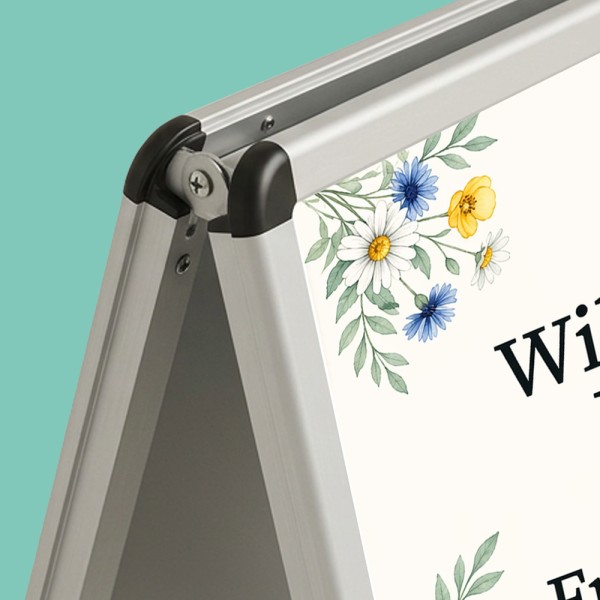
- Durable aluminium A-frame suitable for indoor and outdoor use
- Lightweight but sturdy for easy handling and repositioning
Display & Use
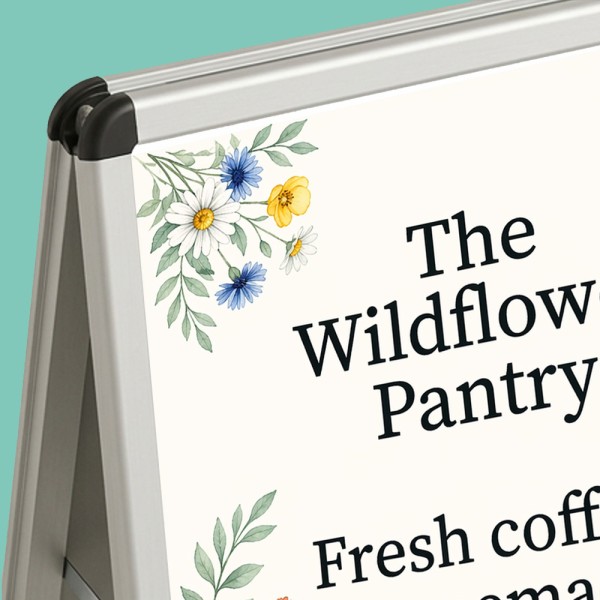
- Standard A1 snap frame for quick and easy graphic changes
- Double-sided display for maximum visibility
- Graphics printed on 440gsm vinyl for durability and strong visual impact
Applications
- Ideal for shopfronts, cafés, promotions, menus, and directional signage
Frame Size
- A1 (594 × 841 mm visible area per side)
Overall Footprint
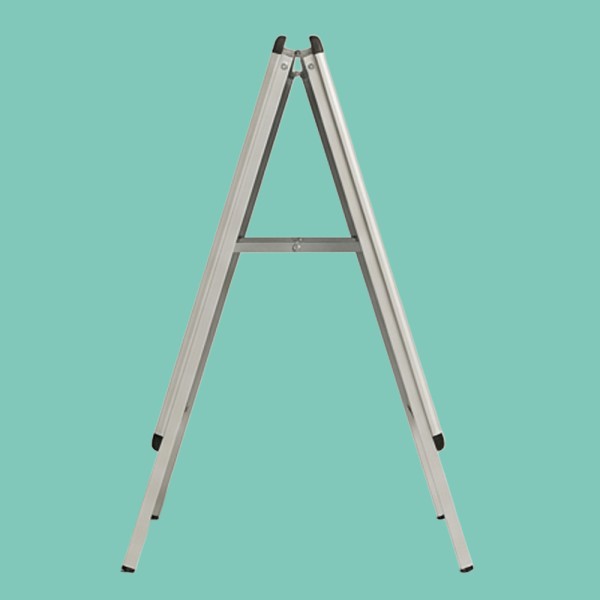
- Approx. A-frame stance when open (varies slightly by model)
Material
- Aluminium frame
- 440gsm PVC vinyl graphics
Display Type
- Double-sided (2 interchangeable posters)
Graphic Fixing
- Snap frame mechanism (tool-free poster changes)
Suitability
- Indoor and outdoor use (best on flat, stable surfaces)
Portability
- Freestanding, foldable design for transport and storage
Templates
To make the artwork setup simple, we recommend downloading the relevant template from the 'Product Templates' section above. Don't forget to follow the template instructions and delete the 'guide' layer before exporting your design to a PDF.
Colour
For best printing results, ensure your artwork and images are CMYK. If you use RGB, Pantone or spot colours in any element of your artwork, we will automatically convert them to CMYK, which may change your colour profile.
Fonts
To eliminate any font issues, make sure all fonts are ‘embedded' or ‘converted to outlines' before creating your PDF print file. To ensure legibility, we recommend using a minimum font size of 10pt.
Image resolution
For optimal image print quality, ensure all images are 300dpi to 450dpi. Anything lower than 300dpi will give poor image quality. Images higher than 450dpi will result in high file sizes and may cause longer upload times.
Crop marks and bleed
To avoid alignment issues during cutting, be sure to include ‘crop marks' (offset 10mm) and ‘document bleed' when exporting your artwork file to PDF. Refer to our product templates for the required bleed specifications.
File format
To meet our print requirements, ensure your file is exported in Adobe PDF (Print) format, ideally as PDF/X-1a: 2001.
N.B. If you would like us to design your A-Frame posters for you, the artwork cost is based on common artwork for both sides.
If you're supplying your own artwork, we strongly recommend using one of our layout guides below. Artwork not set up with a guide may result in delays or printing errors.
Please note: All spot colours (including Pantone® and RGB) will be converted to CMYK for printing, which may alter their appearance. For best results, supply artwork in CMYK. We can't accept responsibility for colour shifts from other formats.
Artwork Guides:
| A1 Aluminium A-Frame: |  |
 |
 VAT
VAT
Choose Your Order Options
More Prices
Click a price below to add an item, based on your chosen printing options above, to the basket.
| 2 x A1 + Frame | |
|---|---|
| 1 |
|
| 2 |
|
| 3 |
|
| 4 |
|
| 5 |
|
Order within the time below